Why support is a revenue function for Shopify app teams
For a Shopify app, support moves your App Store rating, retention and upgrades. How to measure it, prioritize by revenue, and run support as revenue.
On this page
- Is customer support a cost center or a revenue center for a Shopify app?
- Do reviews affect Shopify App Store ranking?
- How does support affect your App Store rating?
- How should you reply to a bad review?
- How does support affect retention?
- How does support lead to upgrades?
- How do you put a dollar value on a support conversation?
- How do you prioritize the support queue by revenue?
- Which support metrics matter for a Shopify app?
- Who should own support on a small app team?
- What does revenue-aware support look like in practice?
- Common questions about support as a revenue function
- Support as revenue, in five steps
Support is a revenue function for a Shopify app because it moves the three things revenue depends on: your App Store rating, which affects where you rank and how many merchants install; retention, because merchants who get stuck and get no help leave; and upgrades, because “can it do this?” questions are often buying questions. Treating support as a cost to minimize saves money on paper and loses it in reviews, uninstalls and missed upgrades.
This guide covers how support connects to each of those, how to put a dollar value on a conversation, how to prioritize the queue by revenue, and which numbers to track.
Is customer support a cost center or a revenue center for a Shopify app?
Support is a revenue center for a Shopify app, even though it shows up as a cost. It protects installs through reviews, keeps merchants who would otherwise uninstall, and surfaces upgrade questions. To test it, compare what support keeps and grows with what it costs each month:
Support return = revenue kept, upgraded or won through support ÷ what support costs.
For example, suppose a support hire costs $4,000 a month. In one month they keep 6 merchants who were about to leave, each worth $750 in lifetime value ($4,500 in total), and help 3 merchants upgrade by $30 a month each ($90 a month in new recurring revenue). Measured by lifetime value kept, support returned about 1.1 times its cost ($4,500 ÷ $4,000) in that month, before counting the upgrades or any effect on reviews. The numbers are hypothetical, but the exercise is not: once you track saves and upgrades, the conversation about support headcount changes.
Do reviews affect Shopify App Store ranking?
Reviews do affect Shopify App Store ranking. Shopify says positive reviews make an app appear higher in App Store search results and category pages, and that the overall rating is weighted toward recent, useful and trustworthy reviews rather than being a plain average (shopify.dev, “Manage app reviews”, checked 1 October 2026). Merchants can also leave a review for up to 45 days after they uninstall, so a merchant who leaves unhappy can still affect your rating.
How does support affect your App Store rating?
Support affects your App Store rating because reviews often mention support, so the way you handle a ticket can show up in what a merchant writes. A merchant who got a fast, useful answer has a reason to say so, and a merchant who waited days has a reason to say that instead.
Because Shopify weights the overall rating toward recent reviews, the way you handle this month’s tickets matters more than a long record of good ones. Shopify also lets you reply to reviews publicly and, once a problem behind a poor review is fixed, ask the merchant to consider updating it, as long as the request is never forceful or tied to an incentive.
So the inbox is one of the most direct levers you have on the number that drives installs. For how to ask for reviews within Shopify’s rules, see the guide to getting more Shopify app reviews.
How should you reply to a bad review?
Reply to a bad review publicly, quickly and specifically, then fix the problem in the merchant’s support thread. The reply is public, so merchants considering your app can read it, not only the one who wrote the review.
A useful reply does four things:
- Thanks the merchant and names the problem, so readers can see you understood it.
- Says what you have done or are doing, with a date if the fix has shipped.
- Offers a direct way to get help, such as your support chat or email.
- Stays calm, even if the review is unfair. A defensive reply can put off the merchants reading it, and it does nothing to fix the problem.
Here is an illustrative reply to a review about a sync bug; adapt it to your app and the actual problem:
“Thanks for flagging the sync delay with orders over 500. We shipped a fix on [date]. If it still happens, message us in the in-app chat and we will look at your store the same day.”
Notice that the reply does not ask for a better rating. If the fix works, ask the merchant privately, in the support thread, to consider updating their review.
You reply from the Partner Dashboard, as the account owner or a staff member with the “Manage public listings” permission.
If the problem behind the review is genuinely fixed, Shopify’s guidance allows you to ask the merchant to consider updating their review, provided the request is never forceful or tied to an incentive. Ask once, in the support thread, after confirming the fix works for them.
How does support affect retention?
Support affects retention because merchants who get stuck and do not get help often leave. A merchant rarely uninstalls the moment something goes wrong. They hit a setup step they do not understand, ask for help, wait, try again, and give up. Each of those is a support moment, and each is a chance to keep them.
Support also tells you why merchants leave. The questions merchants ask in their last weeks, the bugs they report and the features they request are a record of what went wrong, often clearer than an uninstall form. The churn reduction playbook covers how to measure churn and act on it, and the guide to what to do when a merchant uninstalls covers the first 48 hours after one leaves.
How does support lead to upgrades?
Support leads to upgrades because many support questions are really buying questions. “Can I use this on two stores?”, “Is there a way to remove the branding?” and “Can it handle more than 500 orders?” are all questions whose honest answer may be a higher plan.
Three habits turn those moments into revenue without turning support into sales:
- Answer the question first. Say what the current plan does and does not do, plainly.
- Name the plan that does it, with its price. A merchant who asks is already interested; hiding the answer wastes their time.
- Tag the conversation, so you can count how many upgrade questions come in each month and which features prompt them.
If one feature keeps prompting upgrade questions from merchants on your cheapest plan, that is a pricing signal as much as a support one.
How do you put a dollar value on a support conversation?
Put a dollar value on a conversation by estimating what you stand to lose if the merchant leaves: their monthly revenue multiplied by how many more months they would typically stay.
Revenue at stake = the merchant’s monthly revenue × expected remaining months.
For example, if a merchant pays you $50 a month and your average merchant stays 25 months, a merchant 5 months in has roughly 20 months left, so about $1,000 is at stake when they open a ticket about a bug. A free-plan merchant asking a setup question has nothing at stake today, though they may become a paying merchant if the answer goes well. The formula is a rough guide, not a forecast, but it makes clear why the two tickets deserve different speed.
The guide to Shopify Partner revenue metrics explains how to calculate average lifetime and LTV from your own data.
How do you prioritize the support queue by revenue?
Prioritize by setting response targets by merchant tier, so the merchants with the most at stake get the fastest replies, while every merchant still gets an answer. For example:
| Merchant | Example response target | Why |
|---|---|---|
| Paying, higher plans | Within 1 hour in working hours | Most revenue at stake |
| Paying, entry plan | Same working day | Revenue at stake, lower per merchant |
| Free plan or trial | Within one working day | Future revenue; most can self-serve first |
| Anyone frustrated or reporting a bug that blocks them | Jump the queue | Risk of an uninstall or a bad review |
These targets are illustrative; set your own from your team size and plans. The rule that matters is the last row: frustration and blocking bugs move a conversation up, whatever the plan.
Prioritizing by revenue only works if you can see revenue. In most support tools every ticket looks the same, so the team answers in arrival order and a merchant paying $200 a month waits behind a free-plan question.
Which support metrics matter for a Shopify app?
Five support metrics matter most for a Shopify app: first response time for paying merchants, resolution time, reopen rate, revenue in the open queue, and uninstalls within 7 days of a support conversation.
| Metric | How to calculate it | Warning sign |
|---|---|---|
| First response time, paying merchants | Median time from a paying merchant’s first message to your first reply | Above your target, for example 1 working hour |
| Resolution time | Median time from first message to resolved | Rising month on month |
| Reopen rate | Conversations reopened after being resolved ÷ conversations resolved | Rising, which means problems are not really fixed |
| Revenue in the open queue | Total monthly revenue of merchants with an unresolved conversation | A rising total, reviewed weekly |
| Uninstalls after support | Uninstalls within 7 days of a support conversation ÷ all uninstalls | A rising share |
Track upgrade questions per month alongside these, from the tags described above, to see how often support turns into revenue.
The guide to customer support metrics for Shopify apps covers how to measure the first group in detail.
Who should own support on a small app team?
On a small team, the founder or the engineers who build the app should answer support, at least for the first months and for anything technical. They fix problems faster, they hear what confuses merchants directly, and merchants notice when the person replying can actually change the product.
As volume grows, a simple split works for most small teams:
- One person owns the queue each day, on a rota, so nothing waits because everyone assumed someone else had it.
- Engineers take bugs, with the support person keeping the merchant updated.
- Recurring questions become help center articles, so the same answer is not typed twice.
- Everyone reads the uninstall threads, because they are the clearest record of what the product gets wrong.
Hiring a dedicated support person makes sense when answering support starts to crowd out building. The support return check above is a good way to judge when that point has come.
What does revenue-aware support look like in practice?
Revenue-aware support looks like four habits running together:
- Revenue beside every conversation, so the person answering knows who they are talking to.
- Frustration flagged early, before it becomes a review or an uninstall.
- Uninstalls treated as feedback, read and counted, not ignored.
- Self-serve answers in a help center, so simple questions never reach the queue and the team has time for the ones that matter.
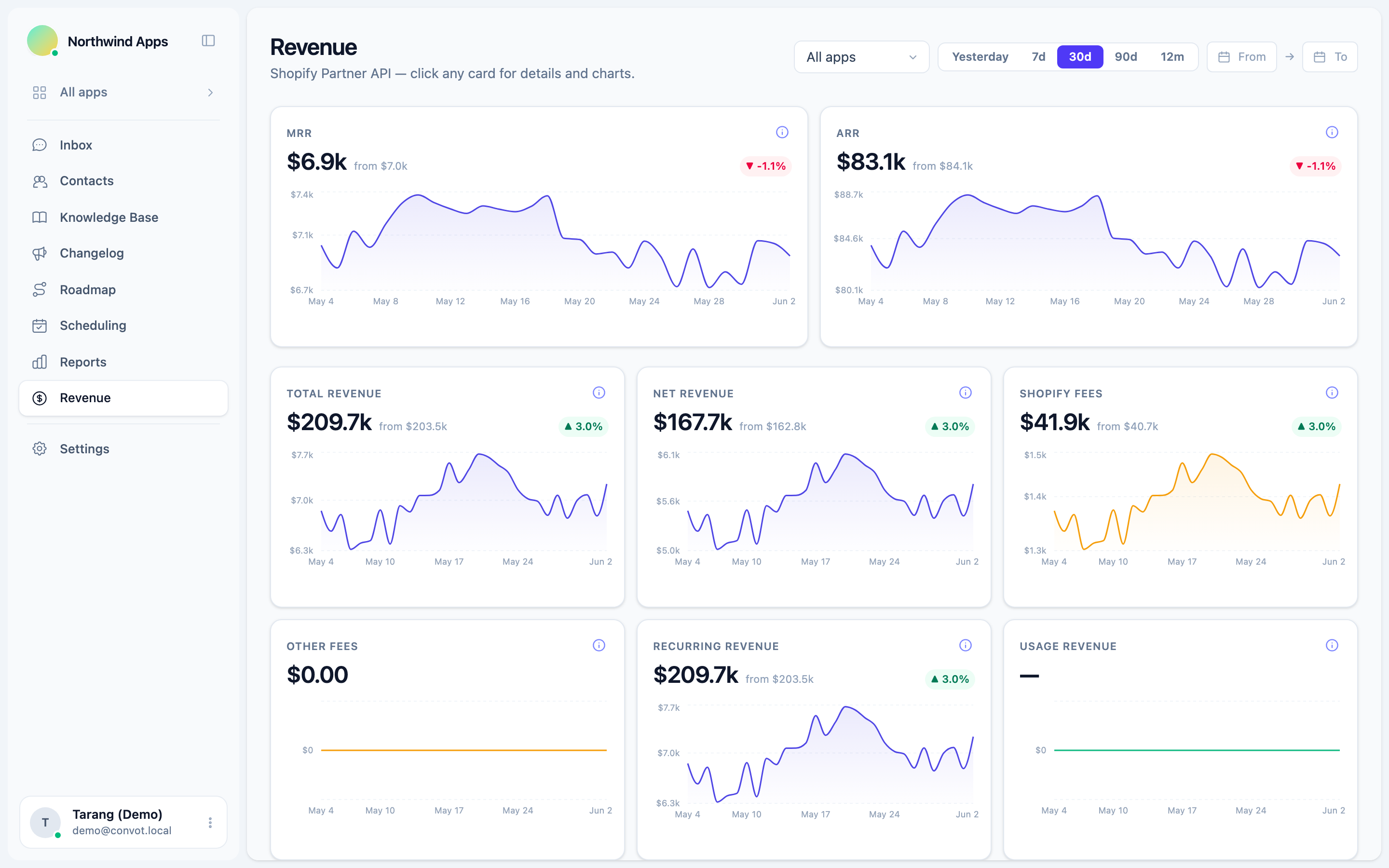
This is what Convot is built around. For Shopify apps, it shows each merchant’s plan, MRR and lifetime revenue to date beside the conversation, once you connect your Shopify Partner account and your app identifies the shop with a signed Convot.identify call (the recommended route); revenue is visible to owners by default, and owners can grant it to admins. Its frustration escalation watches incoming customer messages and flags conversations that show signs of frustration, so someone can step in early. When Shopify reports a fresh uninstall from a merchant you spoke to in the last 7 days (a window you can change in settings), Convot reopens that conversation and posts the uninstall details, so you can reach out. Each app also gets its own help center and a public roadmap, so merchants can find answers and vote on what you build next.
Common questions about support as a revenue function
Does customer support affect Shopify app reviews and ranking? Shopify says positive reviews make an app appear higher in App Store search results and category pages, and fast, useful support gives merchants a reason to leave positive reviews. Support is one input among several, alongside the product itself.
Should free-plan merchants get slower support? Free-plan merchants should get a reply, but a slower target than paying merchants is reasonable. Point them to your help center first, and move any free merchant who is frustrated or blocked to the front of the queue.
Can support turn into upselling? Support should answer the question first and mention a plan only when the plan is the answer. Merchants trust support that tells them plainly what their current plan does.
What is the first step for a small team? Start by making revenue visible in the queue and setting one faster response target for paying merchants. Everything else in this guide builds on knowing who you are talking to.
Support as revenue, in five steps
- Treat the App Store rating as a support outcome, and reply to reviews.
- Count revenue at stake, and prioritize the queue by it.
- Answer upgrade questions plainly, with the plan and price.
- Read every uninstall that follows a support conversation.
- Track support return each month: what support keeps and grows, against what it costs.
Start free while you are under $1,000 in monthly revenue, and see revenue beside every Shopify support conversation.
About the author
Tarang Agarwal is the founder of Convot. Convot is built by Sidepanda, a small studio that runs several Shopify apps of its own, including Appointo, Depo and Panda Bundle, and supports all of them from one Convot inbox.
Revenue-aware support for Shopify app teams.
Live chat, help center, and every merchant's MRR, plan, and LTV beside the conversation. Free under $1k MRR.
Start free