Turn a support chat into a booked call.
Scheduling built into your support, for every app you run. Create meeting types, let customers book directly from the chat widget, send branded confirmation emails with .ics and Google Meet links, no Calendly subscription, no third-party branding leaking through.
Free under $1k MRR · No credit card · Toggle on in seconds
Booking confirmed
Acme Inc · Meet link sent · .ics attached
Every scheduling feature, none of the third-party friction.
Toggle on scheduling in your portal settings. No separate booking account. No "Powered by Calendly" in your customer's inbox.
Meeting types with full control
Create as many meeting types as you need. Set name, duration, location (Google Meet, Zoom, phone, in-person, or custom), buffers before and after, minimum notice, and how far out customers can book. Each type can have its own custom intake questions.
Book without leaving the chat
Customers open the widget, tap the calendar, pick a slot, fill in their details, and they're booked, all without touching an external URL. The booking confirmation card appears right in the conversation thread, visible to both sides.
Reschedule & cancel via token links
Every confirmation email contains an unguessable manage link. Customers can reschedule or cancel themselves without writing back to support. When they do, the conversation reopens automatically, reminders re-arm, and a new .ics CANCEL or UPDATE lands in their calendar.
Agent booking & manual override
Agents can book a slot on behalf of the customer straight from the inbox, no widget required. Insert a booking card into the conversation, pick the time, and the branded confirmation email goes out instantly. Useful for phone or async bookings.
Google Meet + .ics on every booking
Connect Google Calendar once. Convot generates a Meet link synchronously for every booking and hides your busy times from the slot picker. Every confirmation email includes an .ics attachment that adds the event to the customer's calendar, with your branding in the title and description.
Reminders, alerts & push
Configure per-meeting-type reminders (15 min, 1 hour, or 1 day before). Agents get an in-app banner plus desktop notification 5 minutes before each call. New bookings and cancellations push to mobile immediately, so you never miss a call that was booked while you were on the go.
Booked in four steps. No friction, no redirect.
Pick a meeting type
The widget shows all your enabled meeting types, product demo, onboarding call, quick chat. Customer taps one.
Choose a slot
Available slots display in the customer's detected timezone, capped at your booking window. Google Calendar busy times are automatically hidden.
Fill in details
Name, email, any custom intake questions you configured, CC addresses optional. All pre-filled for identified visitors.
Confirmed
Branded email out, .ics attached, Meet link included, reminder scheduled. Booking card appears in the support thread.
The fastest way to help a frustrated customer.
When Convot's AI flags a customer as frustrated, the fastest move is a call. With scheduling built right into the conversation, your agent can send a booking card in one click, no context switch, no "here's my Calendly" pasted into the thread. A scheduled call converts better than a ticket chain.
- ✓ Slot picker linked to real calendar availability, no double-booking
- ✓
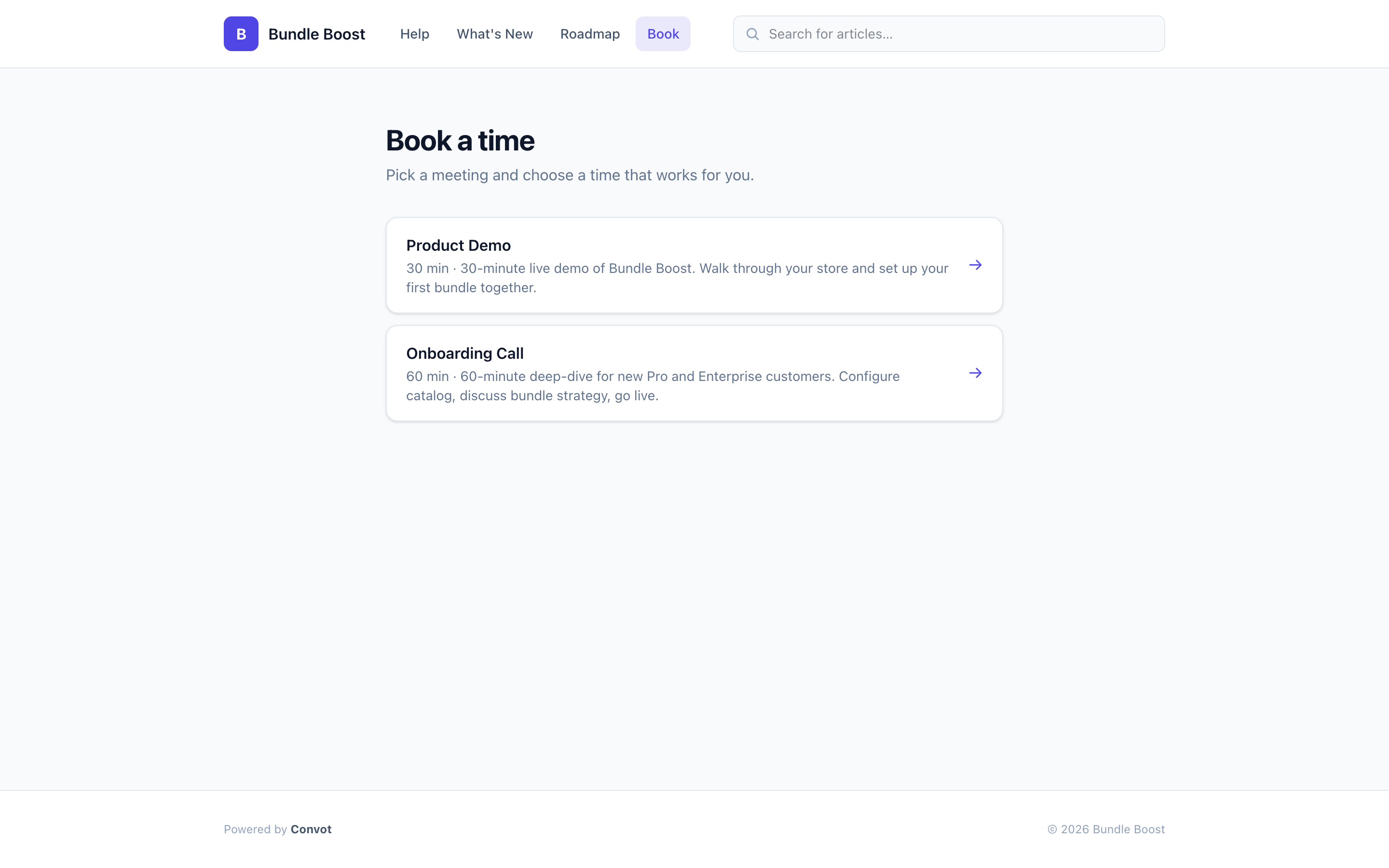
Public booking page at
yourapp.convot.help/en/book, shareable in docs, app listings, or onboarding emails - ✓ Scheduling analytics: total bookings, cancellation rate, top meeting types, trends over time
Booking in conversation
BookedProduct demo · 30 min
Wed Jun 4, 2026 · 10:00 AM PDT
Further reading
Turn your next frustrated customer into a booked call.
Toggle on scheduling, connect Google Calendar, and your customers can book without leaving the widget. Free under $1k MRR, no Calendly required.