How to Reduce Support Tickets: A Ticket Deflection Playbook
How to reduce support tickets without hiding from customers: a help center in the widget, a status page, a roadmap, in-product help and grounded AI.
On this page
- What is ticket deflection?
- What is the ticket deflection rate formula?
- Where should you start with ticket deflection?
- Does a help center reduce support tickets?
- How do you make help articles easy to find?
- How does a status page reduce support tickets?
- How does a public roadmap reduce feature questions?
- How does in-product help prevent tickets?
- Should an AI agent handle support questions?
- How do you find what still gets through?
- How does deflection affect response times?
- Which support questions should not be automated or deflected?
- What are self-serve support best practices that do not frustrate customers?
- What is on a ticket deflection checklist?
- Common questions about reducing support tickets
- The payoff for a lean team
To reduce support tickets, answer the questions customers ask most often before they have to ask. Write one help article per common question and make it searchable in your chat widget. Cover outages with a status page, feature questions with a public roadmap, confusing screens with in-product hints, and routine after-hours questions with a grounded AI agent that hands off to a person. Review what still gets through every week. This practice, called ticket deflection, reduces support volume while making support faster for customers, not harder to reach.
This playbook covers what deflection is, how to measure it, the six places to deflect, and how to avoid the failure mode where self-serve becomes a wall.
What is ticket deflection?
Ticket deflection is helping a customer solve their own problem before they open a support conversation, by putting the answer where they will find it. It is not hiding the contact button or making support harder to reach. That produces angry customers and worse reviews.
Real deflection means the customer gets a complete answer faster on their own than they would by waiting for a reply. Both sides win: the customer is unblocked sooner and your team has more time for the conversations that need a person. The broader guide to SaaS customer support for lean teams covers how deflection fits with channels and staffing.
What is the ticket deflection rate formula?
The ticket deflection rate formula is:
Ticket deflection rate = (help-seeking sessions that ended without a new conversation ÷ all help-seeking sessions) × 100.
A help-seeking session is a visit to your help center, or a search in your widget, by someone who could have written in instead. With illustrative figures: 1,000 help center searches in a month, 150 of them followed by a conversation, gives (1,000 minus 150) ÷ 1,000 = 85 percent.
Track it as a trend, not an absolute. Two other signs that deflection is working:
- Conversations per active customer fall, even as the customer base grows.
- The questions that do arrive get harder, because the simple ones are being answered elsewhere.
Where should you start with ticket deflection?
Start with your inbox, not a content plan. Read a month of conversations, group them by question, and count. The handful of questions that come up again and again are your first deflection targets, and each one usually belongs to one of six places:
| Type of question | Where to answer it |
|---|---|
| How do I set up or use a feature? | A help article, searchable in the widget |
| Is it down, or is it just me? | A status page |
| Are you adding this feature? What changed? | A public roadmap and changelog |
| Why is this screen confusing? | A fix or a hint in the product |
| Routine questions at night or weekends | A grounded AI agent |
| Anything that needs judgment | A person, quickly |
Does a help center reduce support tickets?
A help center reduces support tickets when it answers the common questions clearly and appears where customers look for help, such as inside the chat widget. Write one article per common question, with the answer in the first two lines and the detail below.
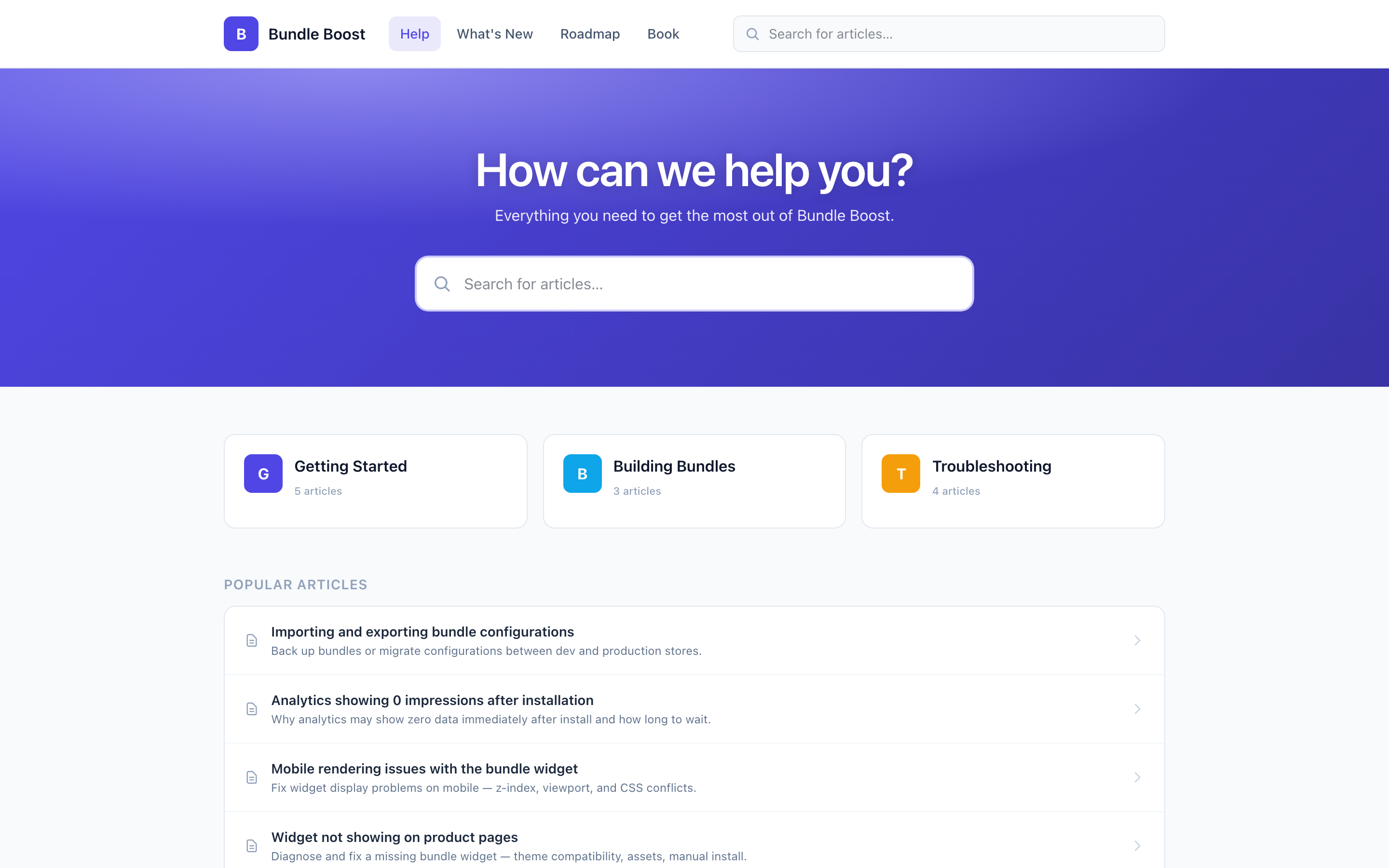
Placement matters as much as the writing. A help center that is searchable inside your chat widget catches the question at the moment the customer is about to write in. A help center linked only from a footer is found by far fewer customers at that moment. In Convot, each app’s help center is searchable inside its chat widget and lives on your own subdomain, so the same articles serve customers in the app and in search results.
The guide to building a help center covers what to write first and how to structure it.
How do you make help articles easy to find?
Make help articles easy to find with titles in the customer’s words, the answer first, and one question per article. Findability decides whether an article deflects anything:
- Title every article as the question the customer asks, in their words. “Why is my store not syncing?” works better than “Sync troubleshooting.”
- Lead with the answer. Put the fix in the first two lines; people scan rather than read.
- One article, one question. A page that tries to answer five questions is hard to find for any of them.
- Test the search. Type the two or three words a customer would use and check the right article comes up.
- Keep the structure shallow. A few clear categories beat a deep tree.
How does a status page reduce support tickets?
A status page reduces support tickets during an outage by answering “is it just me?” once, publicly, instead of in every conversation. When something breaks, many customers notice at once and most ask the same question. One clear update, with a time for the next one, replaces many identical replies.
Convot includes a status page with uptime monitoring for each app, which can open an incident automatically when a monitored URL stops responding. The guide to running a status page covers what to write during an outage.
How does a public roadmap reduce feature questions?
A public roadmap reduces feature questions by answering “are you working on this?” before anyone asks, and a changelog answers “what changed?”. Customers can check the board, vote for what they want, and see when it ships, instead of asking in a support conversation.
Convot includes a roadmap and changelog for each app, and can show both inside the chat widget. Shipping an item emails the customers who voted for it, as long as Convot has their email address. The public roadmap guide covers moderation and closing the loop.
How does in-product help prevent tickets?
In-product help prevents tickets by removing the confusion that causes the question in the first place. The cheapest deflection happens before the customer forms a question: a hint on a confusing field, a one-line explainer on an empty screen, or a link to the right article at a known sticking point.
Find the sticking points by watching where new customers stall in their first session, and by tagging conversations by the screen they came from. A cluster of questions about one screen is usually your biggest single source of tickets, and fixing the screen pays off every day after.
Should an AI agent handle support questions?
An AI agent should handle the routine questions that have one right answer in your help center, and hand everything else to a person. The word “grounded” matters: an agent that answers only from your documented knowledge deflects safely, while one that improvises gives wrong answers and creates more conversations than it removes.
Keep clear escalation rules so sensitive topics, such as billing disputes, always reach a person, and feed the AI the same help center your customers search, so both improve together. Convot’s Cove AI answers from your sources and hands off to a person when its confidence is low or the topic is one you have fenced off, such as billing disputes. It is available on paid plans at $0.20 per resolved conversation in which it sent an automatic reply.
How do you find what still gets through?
Find what still gets through by reviewing, every week, the conversations that arrived despite a help article existing, and the searches that returned nothing. Deflection is a loop, not a launch.
| Signal | What it means | Fix |
|---|---|---|
| A question arrives that an article already answers | The article is hard to find or unclear | Retitle it in the customer’s words, or rewrite the answer |
| A search returns no results | The article does not exist yet | Write it |
| An article gets “not helpful” ratings | It does not answer the question | Rewrite the first two lines |
| The AI escalates the same question repeatedly | The sources do not cover it | Add an article or a Q&A answer |
Convot’s help center analytics shows searches with no results and “Was this helpful?” ratings per article, and Cove’s knowledge gaps report groups the questions it could not answer.
How does deflection affect response times?
Deflection can improve response times on the conversations that remain, because your team has fewer simple questions to clear first. Check it by comparing median first response time before and after you launch each self-serve layer. As the volume of routine questions falls, first response and resolution times on the remaining conversations should improve, and the team can give harder problems the attention they need.
Track both together. If deflection rises but response times do not improve, the time saved is going somewhere else, such as slow handoffs or unclear ownership.
Which support questions should not be automated or deflected?
Five types of support question should go to a person, not a help article or an AI agent: bugs and errors, refunds and billing disputes, anything involving personal data, customers who are already frustrated, and large accounts at a key moment such as going live. These need a person because the answer depends on the customer’s account or the stakes are high:
| Question type | Why it needs a person |
|---|---|
| Bugs and errors | Someone has to investigate, and the customer needs updates |
| Refunds, billing disputes and exceptions | The answer is a decision, not a fact |
| Anything involving personal data | It needs verification and care |
| A customer who is already frustrated | Another article makes it worse |
| Large accounts at a key moment, such as going live | The cost of a wrong answer is high |
Make these routes obvious: a “report a bug” option in the widget, billing questions fenced off from the AI, and frustrated conversations flagged for a lead. Convot flags rising frustration in conversations automatically, on every plan, so a lead can step in early.
What are self-serve support best practices that do not frustrate customers?
Deflect without frustrating customers by keeping the path to a person one click away at every step. Self-serve that blocks a customer who genuinely needs help is not deflection; it is a wall, and customers who hit one often leave a bad review.
Three rules keep deflection honest:
- Never hide the contact option. Search first, but always offer “talk to us”.
- Treat escalation after reading articles as a signal, not a nuisance: those articles did not answer the question.
- Hand over context. When a customer moves from self-serve to a person, the person should know what the customer already tried, so the customer does not repeat themselves. At minimum, ask which article they read, or link it in the conversation.
What is on a ticket deflection checklist?
A ticket deflection checklist has eight items:
- The most common questions, one findable article each.
- Help center search inside the chat widget, not only a footer link.
- Search that returns the right article for two-word queries.
- A status page for outages.
- A public roadmap and changelog for feature questions.
- In-product hints at the screens where new customers stall.
- A grounded AI agent for routine questions, with clear escalation.
- A weekly review of empty searches and questions that still arrive.
Common questions about reducing support tickets
What is a good ticket deflection rate? There is no universal benchmark, because it depends on your product and how you count help-seeking sessions. Compare against your own baseline, not an industry figure: track the trend month on month, and aim for the rate to rise while conversations per customer fall.
How do you reduce customer support volume? Reduce customer support volume by answering common questions where customers look, in a help center inside your widget, a status page and a public roadmap, and by fixing the screens that cause repeat questions. Review what still arrives each week and fill the gaps.
Does ticket deflection hurt customer satisfaction? Deflection helps satisfaction when the self-serve answer is faster and complete, and hurts it when it blocks someone who needs a person. Keep the contact option visible and measure both.
Is an AI chatbot the best way to reduce tickets? An AI agent helps once your help center covers the common questions, because it answers from those articles. Without good articles, it has little to answer from, so start with the help center.
The payoff for a lean team
Working deflection stops support volume growing in step with your customer base. Your team spends its time on the conversations that need judgment, and you get time back for the product. Convot includes the whole self-serve layer for each app, a help center, status page, roadmap and changelog, plus a grounded AI agent on paid plans, under one login and one bill.
Start free while you are under $1,000 MRR, with 1 app and 3 seats.
About the author
Tarang Agarwal is the founder of Convot. Convot is built by Sidepanda, a small studio that runs several Shopify apps of its own, including Appointo, Depo and Panda Bundle, and supports all of them from one Convot inbox.
Revenue-aware support for Shopify app teams.
Live chat, help center, and every merchant's MRR, plan, and LTV beside the conversation. Free under $1k MRR.
Start free